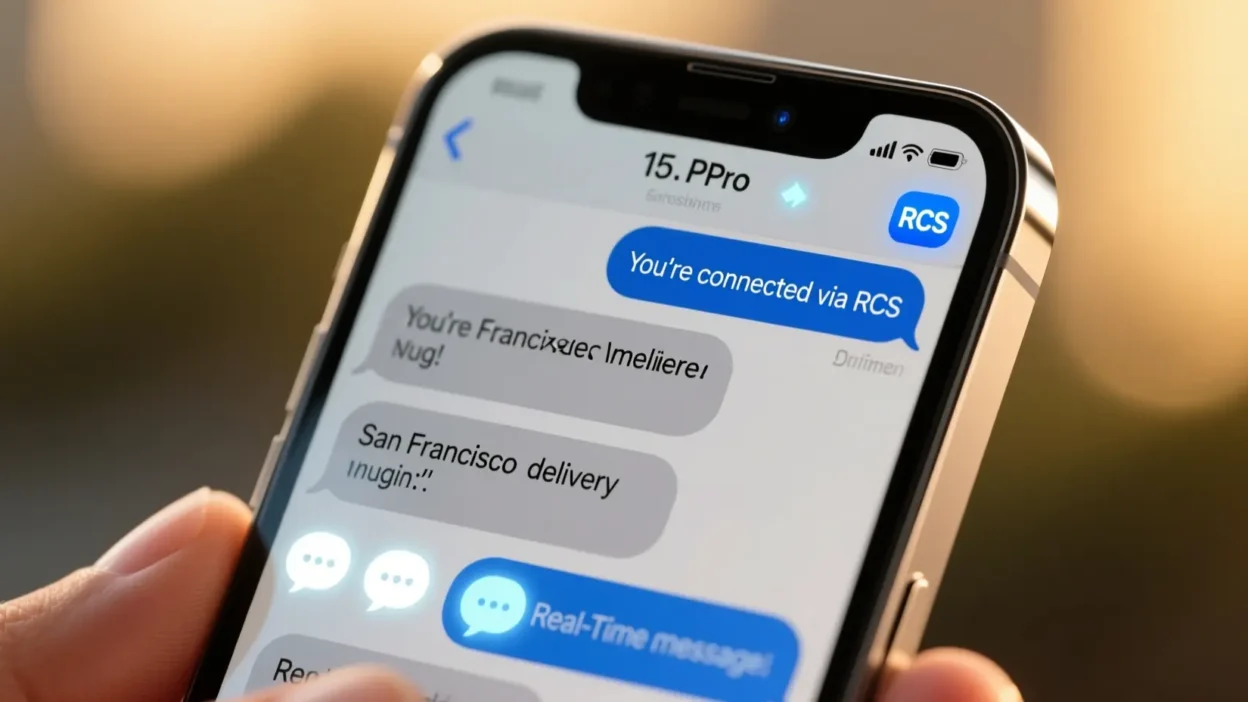
Have you ever seen “RCS” pop up while texting on your iPhone and thought, “Wait… what is this?”
You’re not alone! Many iPhone users notice this mysterious acronym and wonder if it’s a new app, a fancy feature, or some tech slang they should know about. The good news?
It’s much simpler than it seems, and once you understand it, you’ll feel like a texting pro.
Quick Answer: RCS stands for Rich Communication Services. It’s a modern messaging protocol that makes texting more interactive and visually rich, similar to iMessage, but works on Android devices too. Think of it as texting, but smarter.
What Does Text Message RCS Mean in Text? 🧠
RCS, or Rich Communication Services, is essentially an upgraded version of SMS (standard text messaging). Unlike old-school text messages, RCS allows you to send:
- High-resolution photos and videos
- Read receipts (“seen” notifications)
- Typing indicators (like iMessage’s “typing…” bubble)
- Group chats with better control
Example in a sentence:
“I noticed my friend’s text said RCS instead of SMS, and suddenly our chat had read receipts and GIFs!”
In short:
RCS = Rich Communication Services = upgraded, interactive texting
Where Is RCS Commonly Used? 📱
RCS is gaining popularity as a modern messaging standard, but its availability depends on the platform:
- Android phones: Fully supported; often replaces SMS automatically. 📲
- iPhone: Limited support; iMessage is preferred, but RCS may appear when texting Android users. 🍏
- Messaging apps: Some third-party apps support RCS features. 💬
Tone: Casual and friendly for personal chats, slightly formal if used in professional texts.
Examples of RCS in Conversation 💬
Here are some realistic texting examples showing RCS features in action:
Example 1:
A: “Hey, did you get my photos?”
B: “Yep! saw them 😍” (Read receipt shows it’s been read)
Example 2:
A: “I’m typing…”
B: “Haha, I can see that 😆” (Typing indicator in RCS)
Example 3:
A: “Let’s plan a group hangout!”
B: “Sounds good, I’ll add everyone 🥳” (Enhanced group chat features)
Example 4:
A: “Check this GIF 😂”
B: “LOL love it!” (RCS allows GIFs without links)
Example 5:
A: “Video call later?”
B: “Sure, sending the link now 🎥”
When to Use and When Not to Use RCS 🕓
✅ When to Use:
- Casual chats with friends
- Sending images, GIFs, or videos
- Group planning
- Friendly check-ins
❌ When Not to Use:
- Formal work emails or texts
- Urgent messages (sometimes delayed)
- Situations where the recipient doesn’t have RCS
| Context | Example Phrase | Why It Works |
| Friend Chat | “No rush, RCS 😄” | Casual & friendly |
| Work Chat | “Take your time.” | Polite & professional |
| “Please review this document.” | Formal & clear |
Similar Slang Words or Alternatives 🔄
Here’s a quick look at some similar texting protocols or features:
| Slang/Feature | Meaning | When to Use |
| SMS | Short Message Service (basic texting) | Anytime, especially when no internet |
| iMessage | Apple’s proprietary messaging | iPhone chats only, casual/friendly |
| MMS | Multimedia Messaging Service | Sending images/videos when RCS not available |
| WhatsApp Chat | Messaging app with rich features | Casual chats, group messages |
| Telegram | Messaging app with multimedia support | Friendly, social chats |
FAQs❓
Q1: Is RCS the same as iMessage?
Not exactly. iMessage is Apple-only, while RCS is a universal standard for richer texting, especially between Android and iPhone.
Q2: Can I turn off RCS on iPhone?
iPhone doesn’t fully control RCS like Android, but you can manage messaging settings in apps or through carriers.
Q3: Will RCS cost extra?
No. It uses your mobile plan’s data, not SMS fees, so it can be free if you’re on a data plan.
Q4: Do all Android users have RCS?
Most modern Android devices support RCS, but it depends on the carrier and region.
Q5: Is RCS secure?
Yes, RCS includes encryption, but not end-to-end like iMessage.